
A game by D.N. Sampson
Big Rock Energy
Neon space-rock chaos. Dash, level up, send the rocks to the shadow realm.
In playtestingNeon arcade roguelite · Godot 4
Coming to Android · iOS · Windows on Steam (planned).
Before The Purple Blight was a novel, it was a game I was trying to build. Big Rock Energy is the first game I’ve actually finished building: a fast, funny, very online take on the classic rock-blasting arcade shooter.
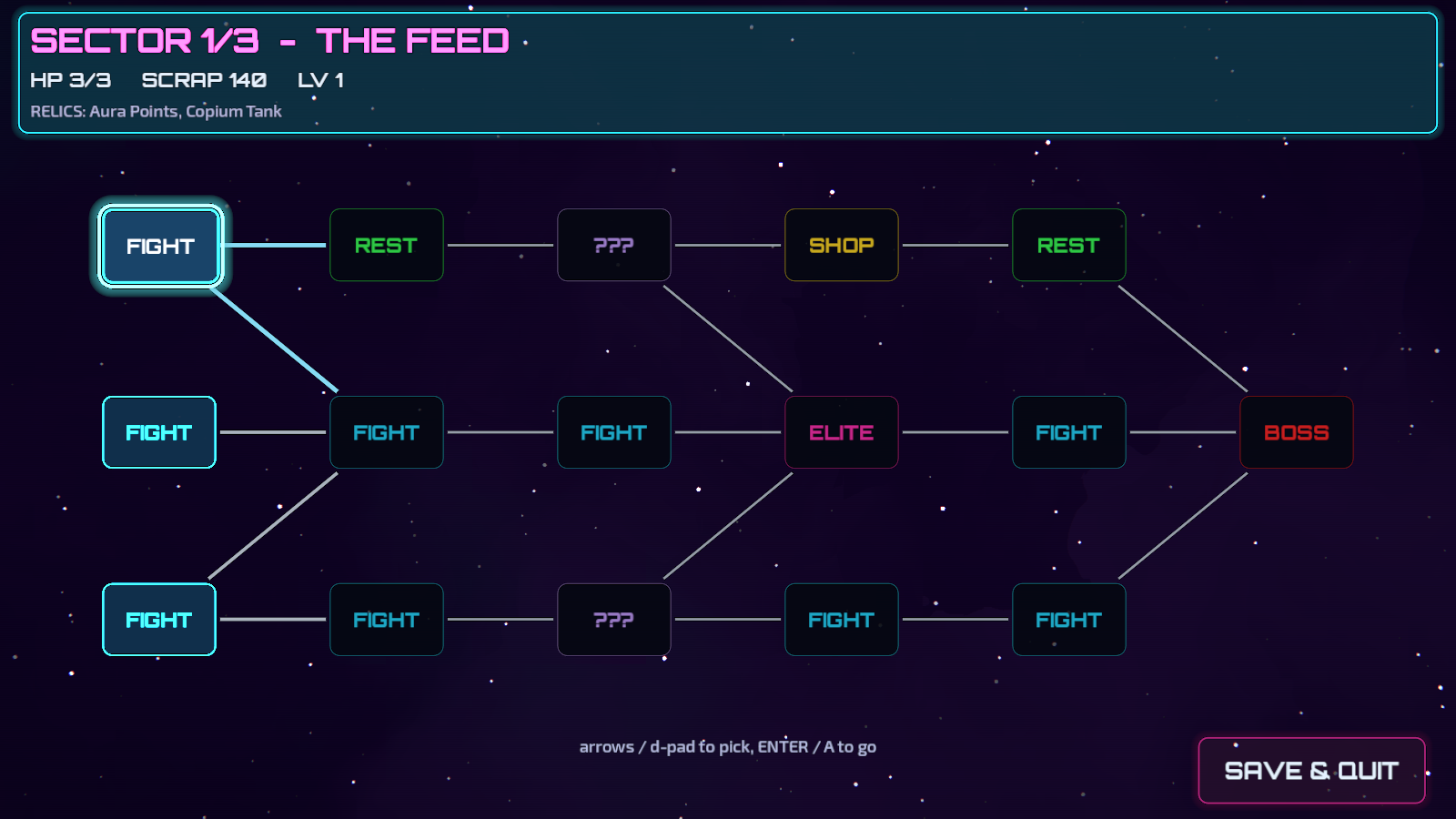
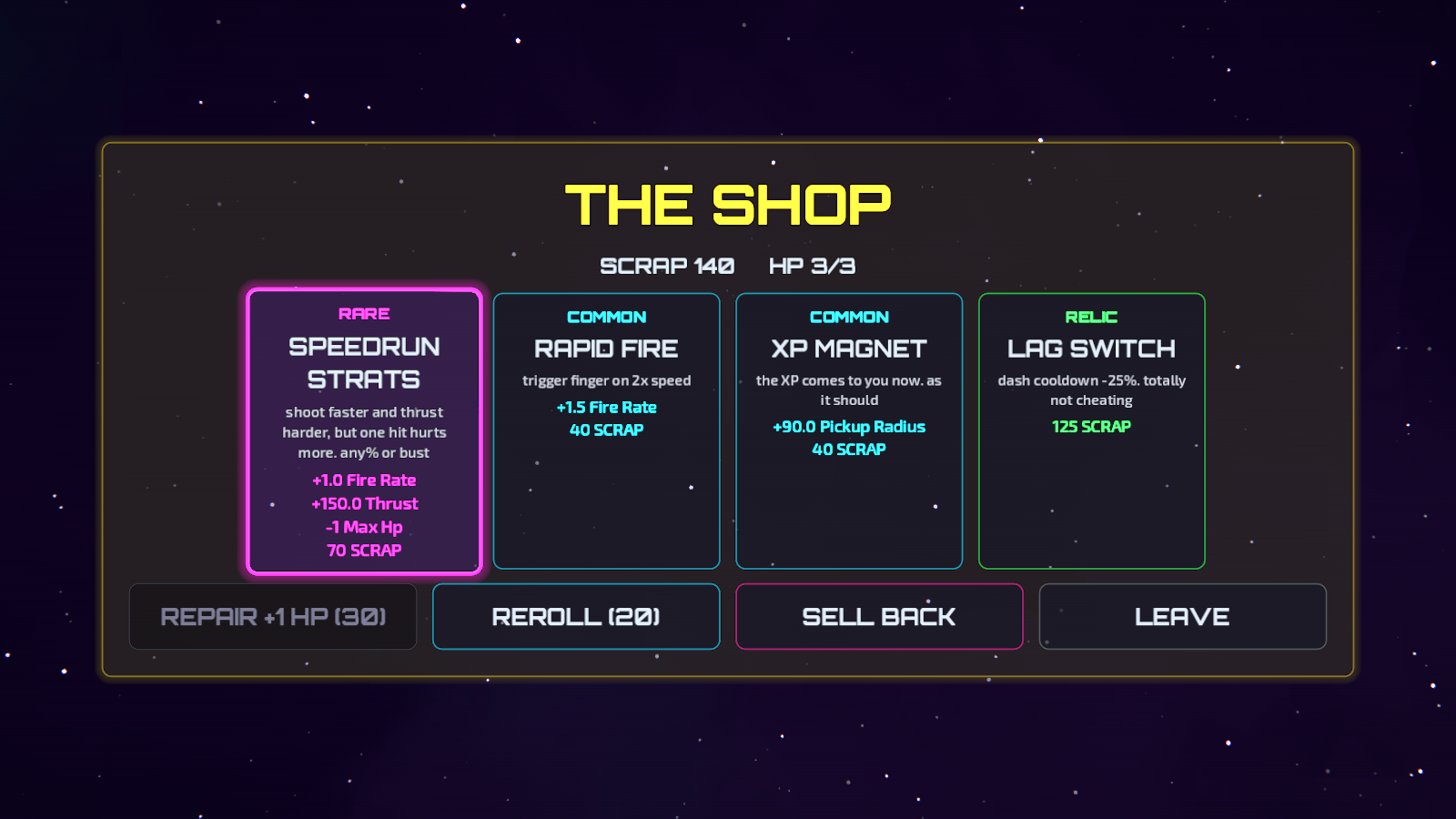
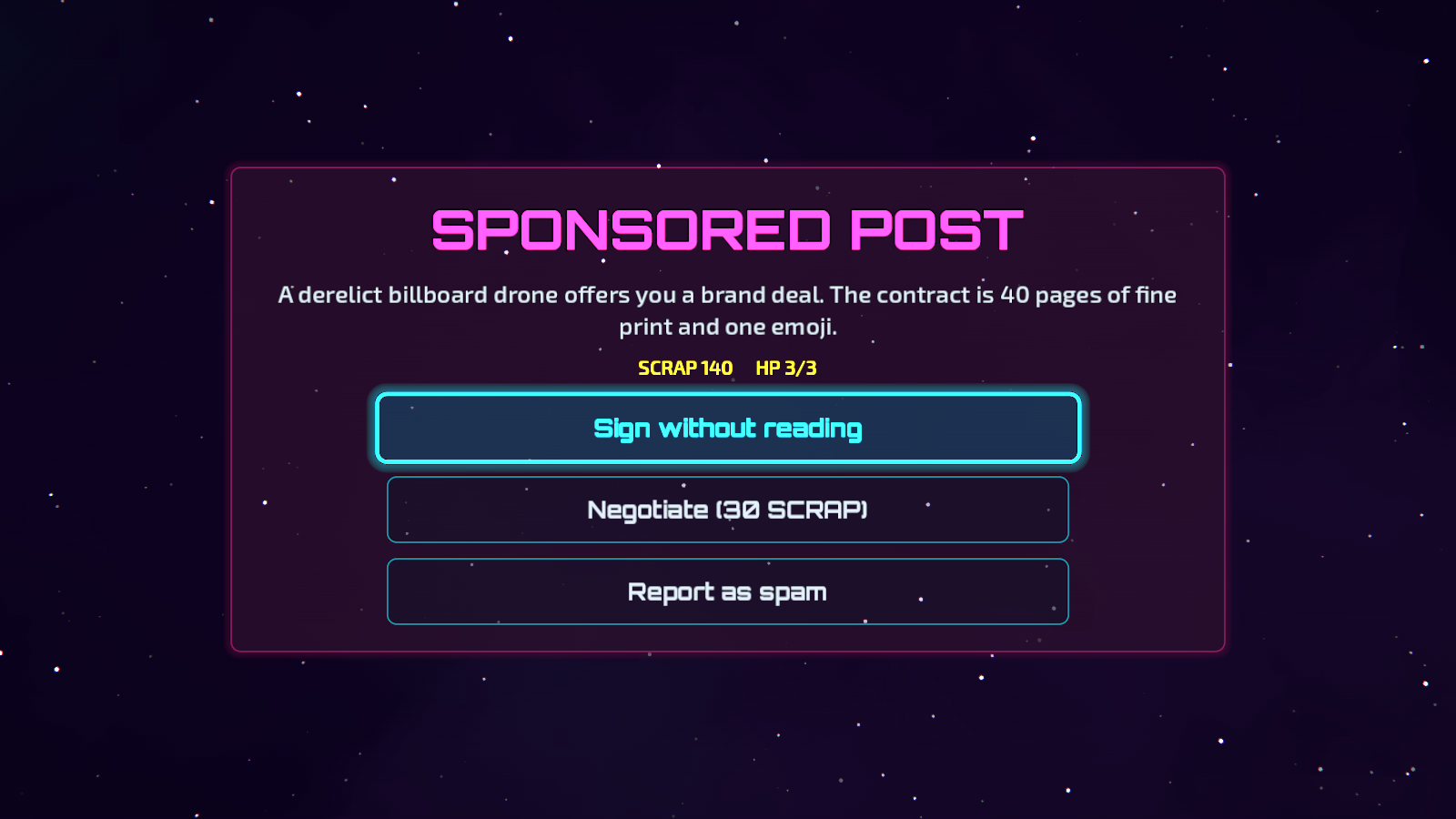
Every run is a route through three sectors (fights, shops, meme events, bosses), and every run pays out Stardust for new ships, skins and cards. I wrote the soundtrack too.
It’s free on phones with light ads you can switch off once, forever, and it’ll be a one-price game on Steam.
Screenshots
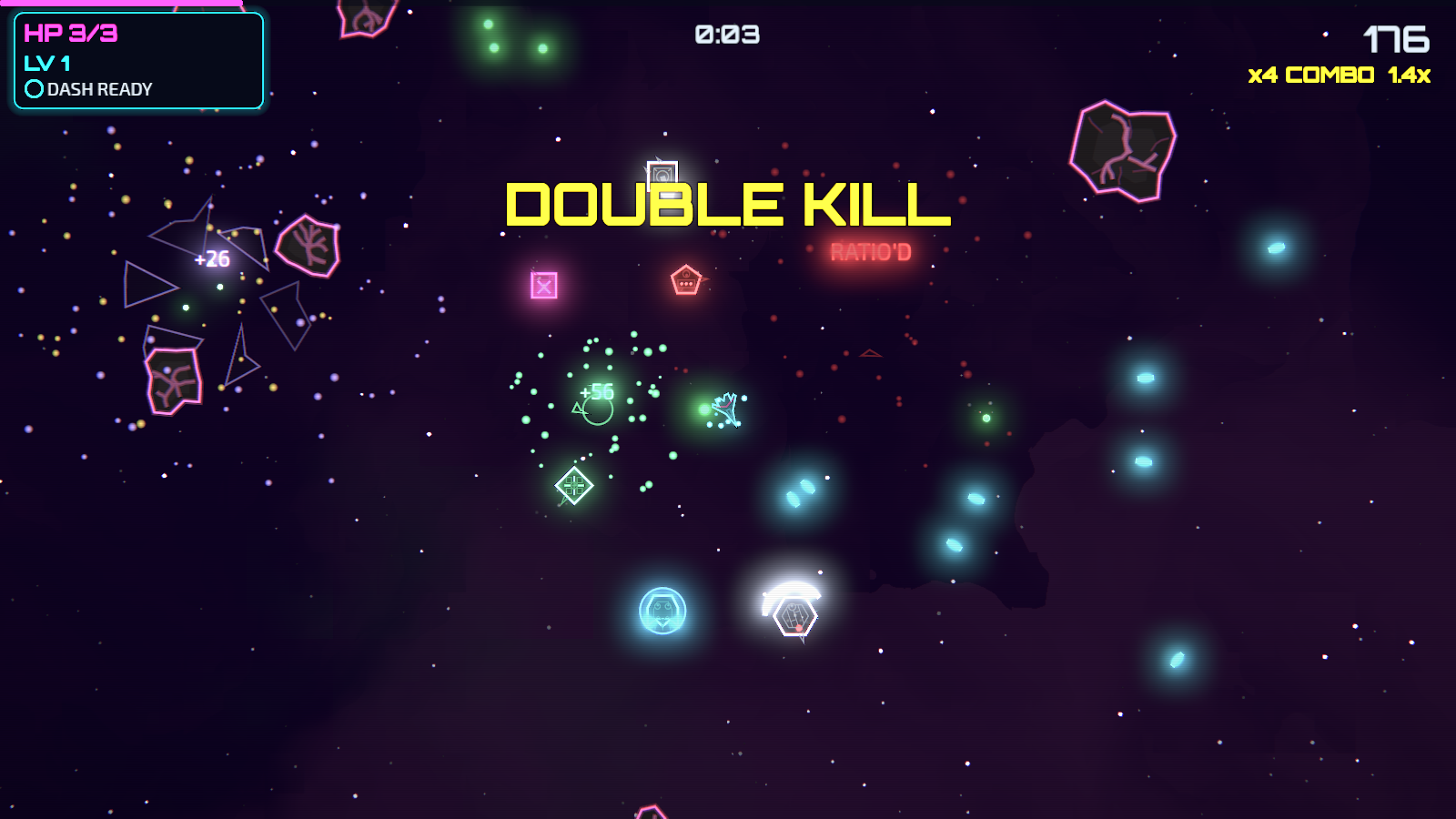
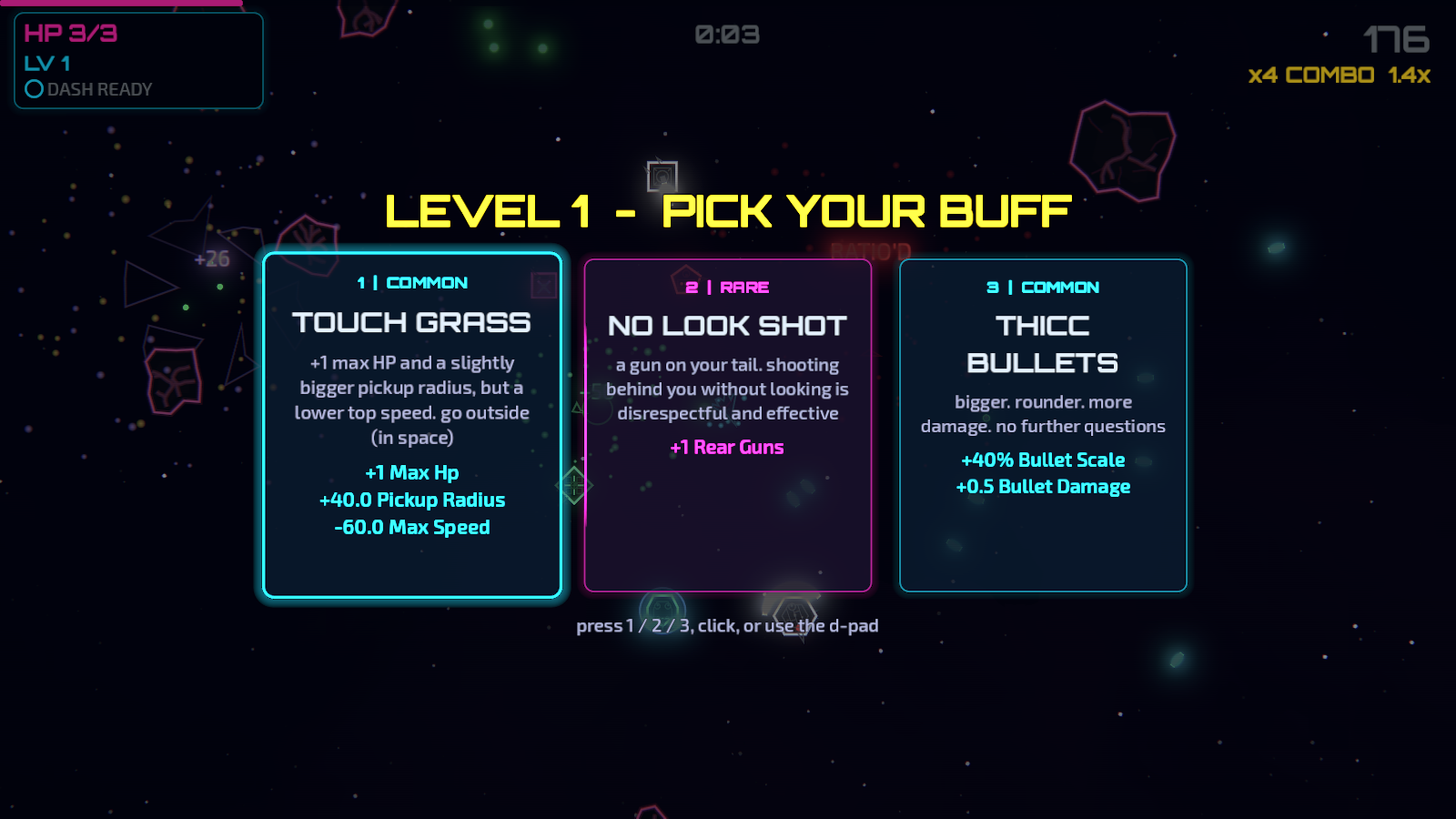
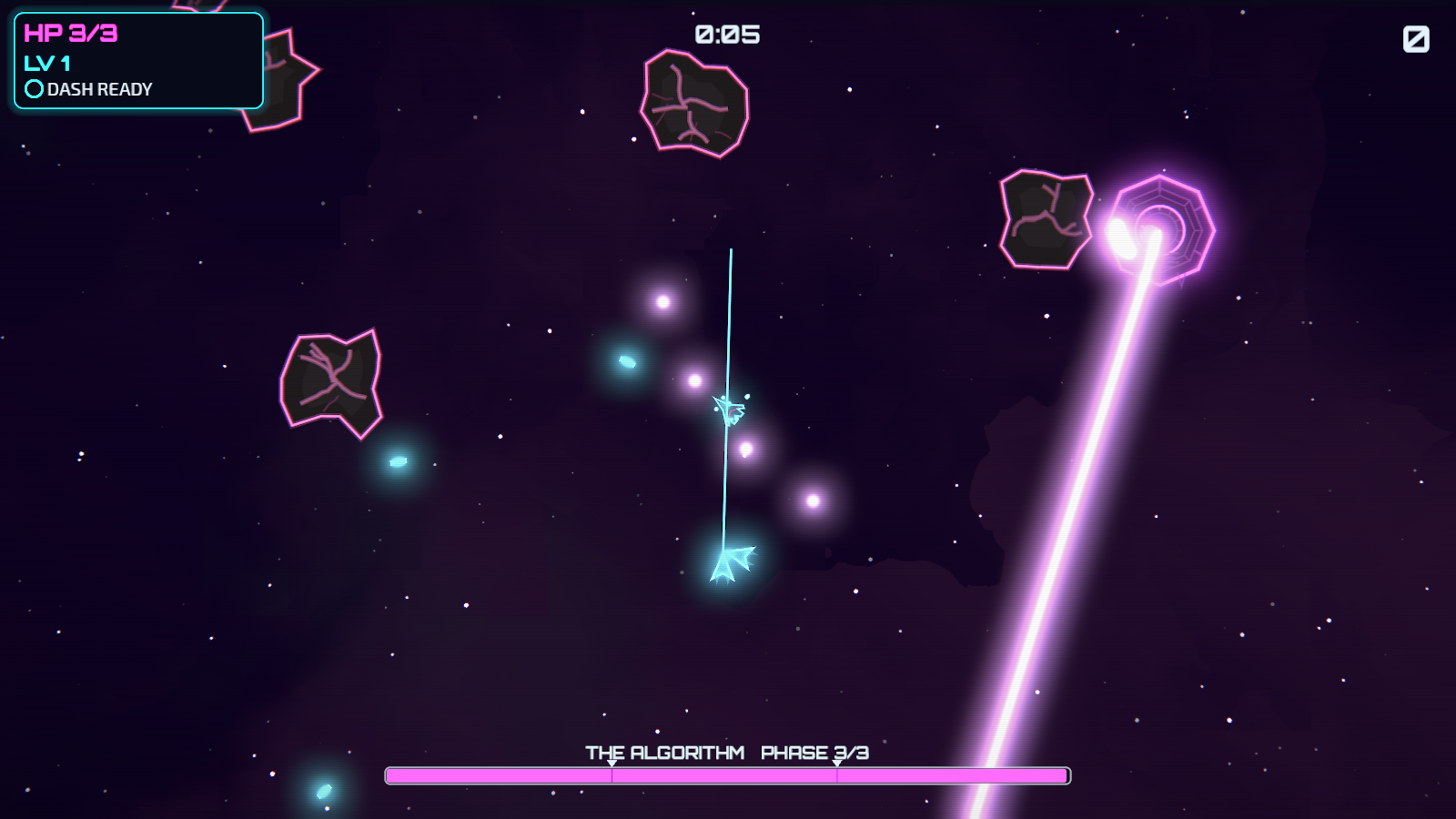
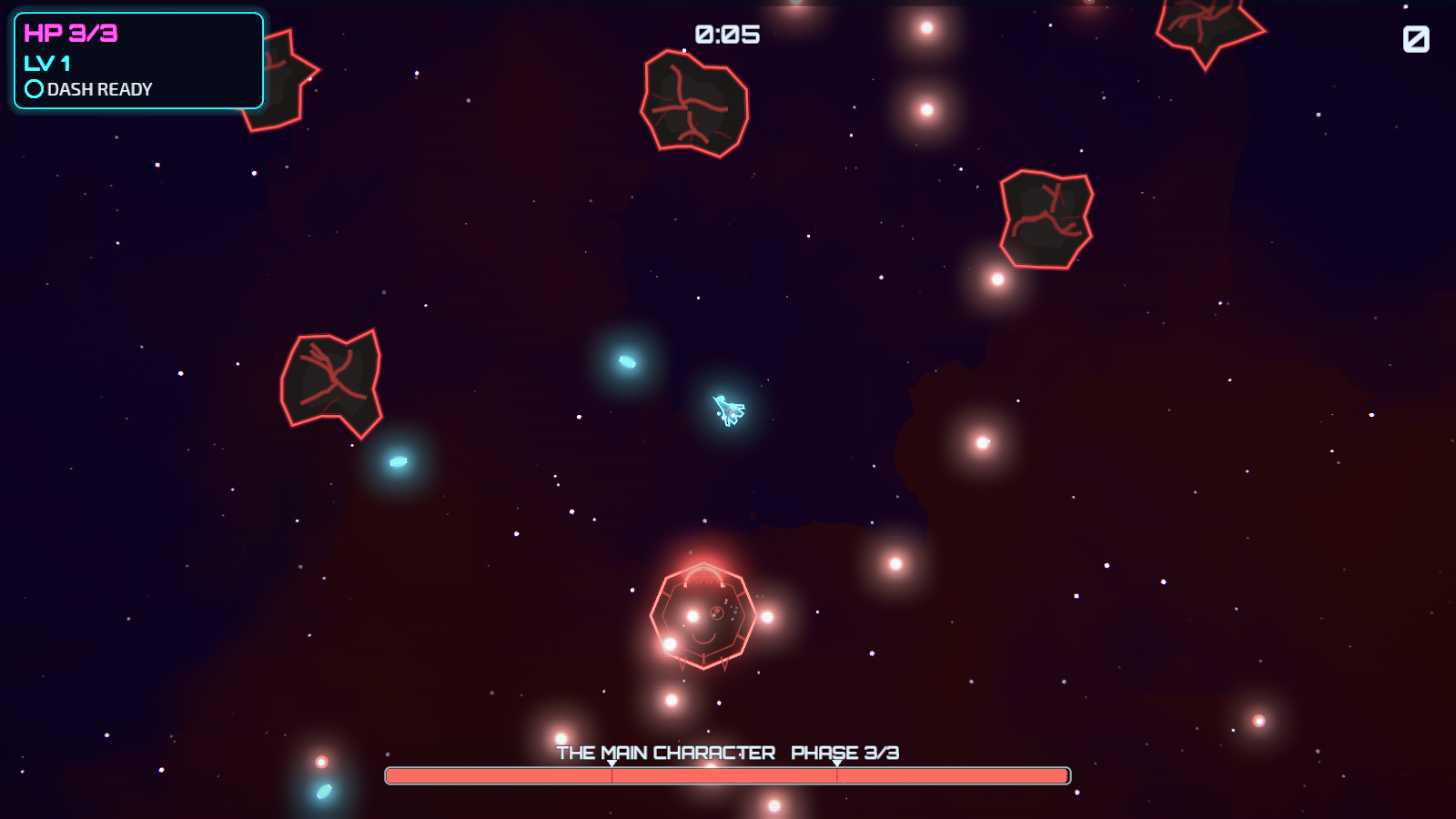
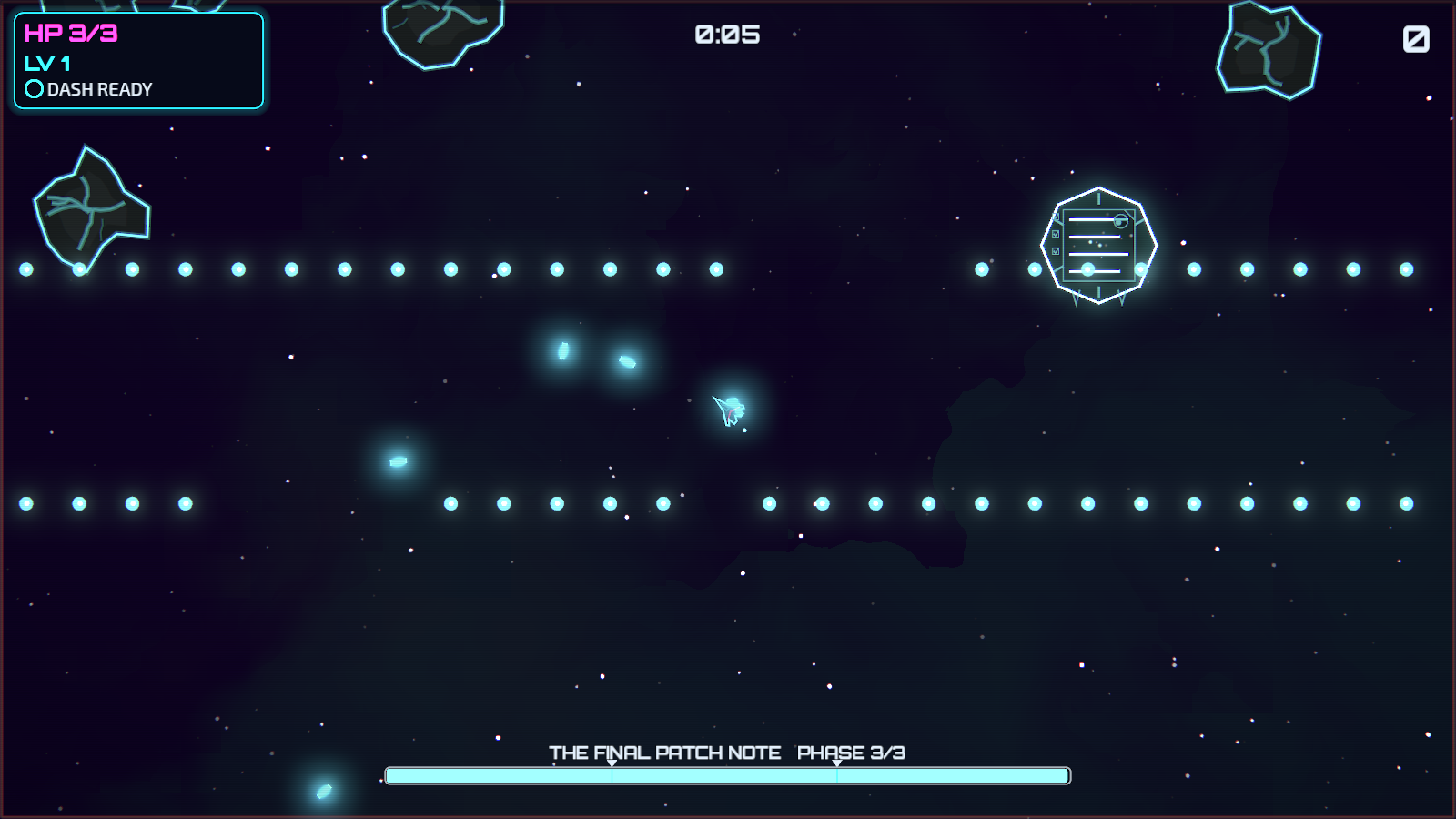
What’s in it
- Runs
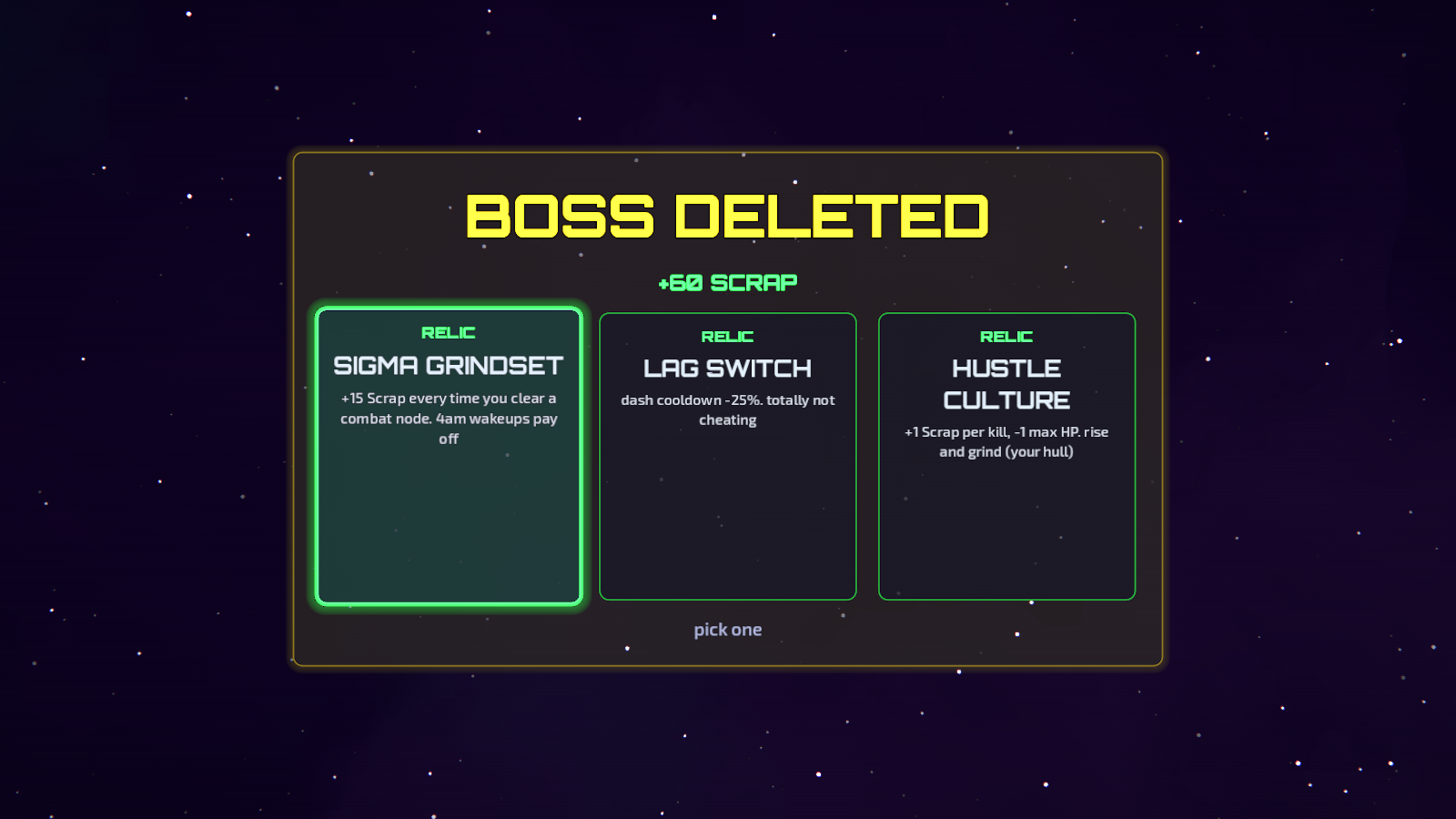
- Three sectors on a branching map: fights, elites, shops, meme events, rest stops and a boss per sector.
- Endless mode
- How long can you last? Global leaderboards on Game Center and Google Play Games.
- Builds
- Level-up cards and relics that stack, with synergies worth chasing.
- The Hangar
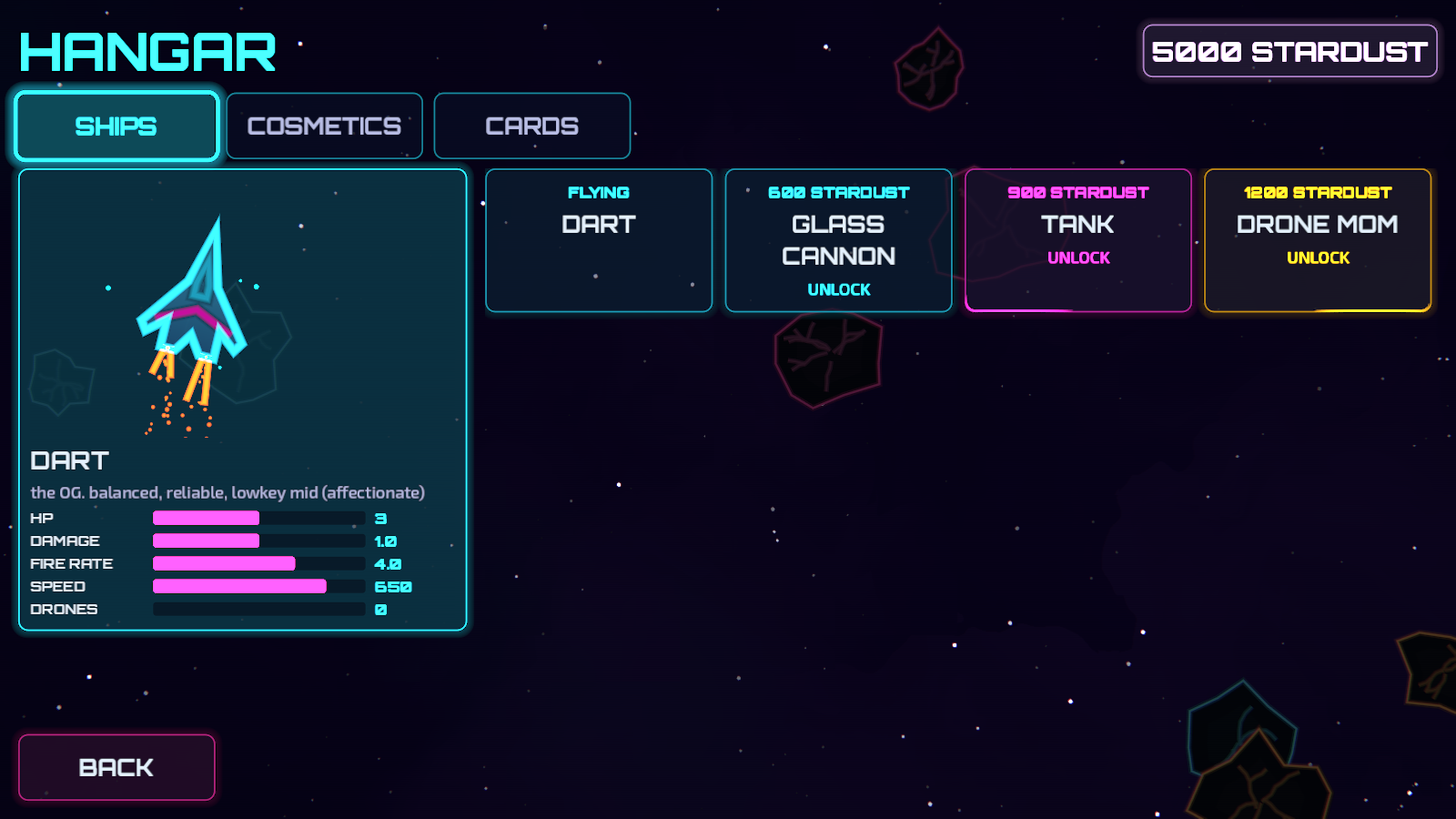
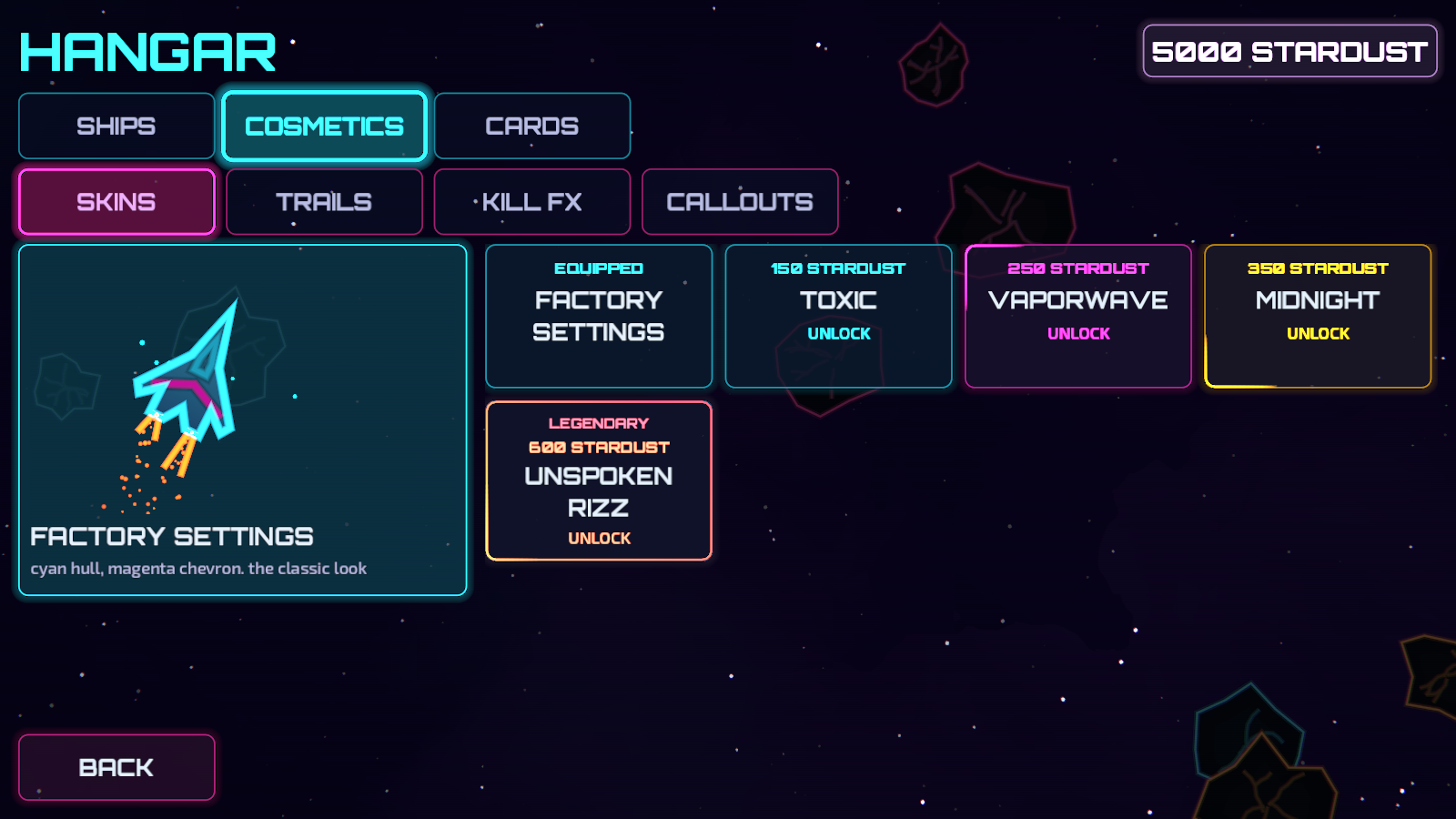
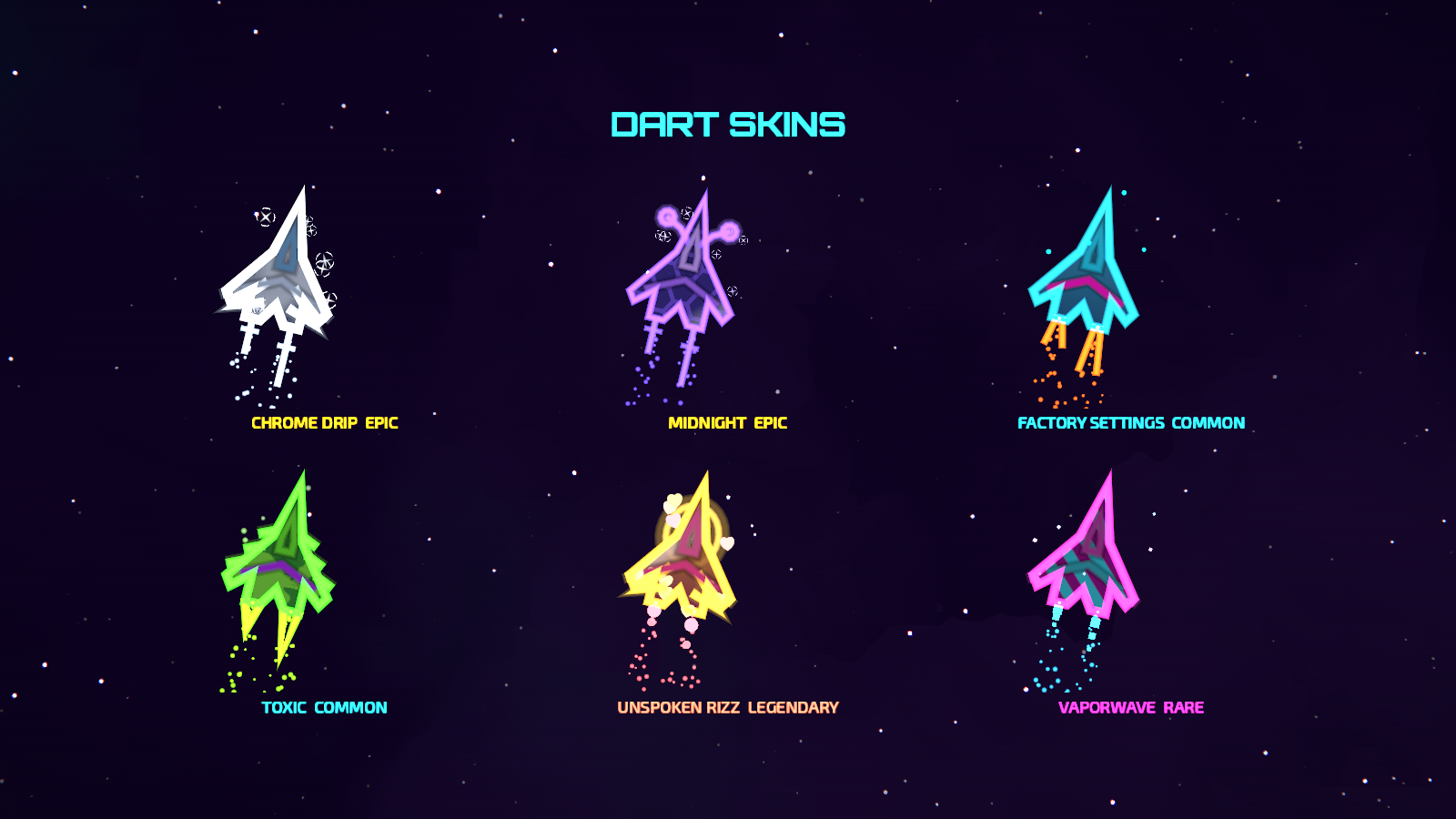
- Every run earns Stardust for four ships that play differently (Dart, Glass Cannon, Tank, Drone Mom), plus skins, thrust trails, kill effects, callout packs and new cards.
- Milestones
- Beat bosses, hit a 50 combo, survive ten minutes: each one unlocks new cards.
- Comfort
- Restrained neon tuned for eye comfort, and a Reduce motion setting.
- Controls
- Touch (virtual stick with auto-fire), keyboard and gamepad.
Original soundtrack
Composed by D.N. Sampson. Have a listen; the menu theme is the one you’ll hear most.
01Unsaved Progress· Menu theme
02Below the Iron Floor
03Beyond the Outer Rim
04Gravity Well Ascent
Fair play
- Mobile: free, with light ads only at the end of a run, a one-time “Remove Ads” purchase, and optional cosmetic skin packs.
- Steam: one price. No ads, no in-app purchases.
- Gameplay is never sold, and there’s no paid currency.
Platforms: Android · iOS · Windows on Steam (planned).
Support
Questions, bugs or ideas: hello@dnsampson.com
Purchases can be restored from the in-game Settings → Restore Purchases.